
I used to read novels directly in Safari, but recently the endless pop-up ads really drove me crazy. Every time I tapped the screen, it would jump to some random page, and there was no way to avoid it.
Then I accidentally found an app called Readingo, and it’s honestly perfect for someone like me who just wants to “read quietly without distractions.”
🟣 No ads! No ads! No ads! (Yes, it’s that important, so I’ll say it three times!)
Why is it so clean? Because it’s simply a pure reading tool. You need to import your own TXT files.
It does just one thing: lets you read your own content in peace.
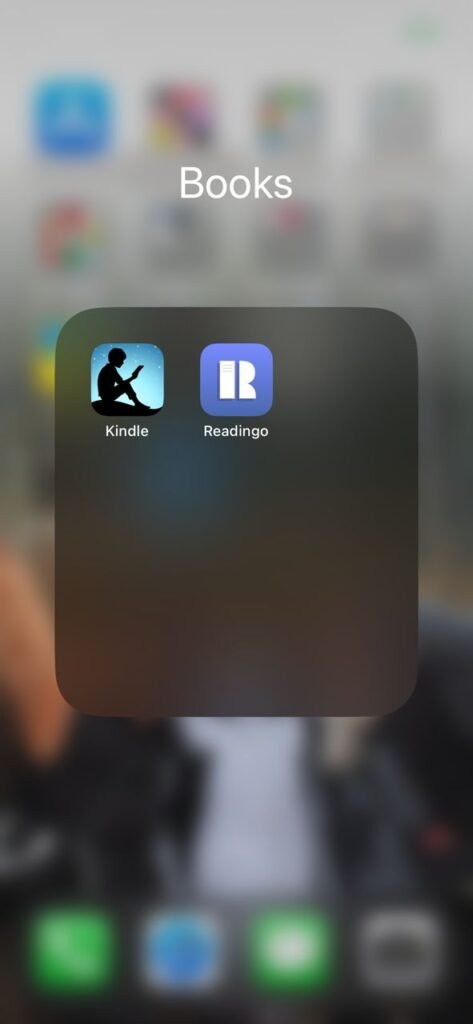
It’s kind of like Kindle, but in my opinion, importing files into Readingo is even easier.
📥 Two easy ways to import:
iCloud import:
Just save the TXT file into iCloud, open it in Readingo, and you’re ready to read. Super simple.
Wi-Fi remote import (great for bulk files):
- Download the TXT files you want on your computer
- Open Readingo → go to Library → tap “Wi-Fi Transfer”
- Make sure your phone and computer are on the same Wi-Fi
- Readingo will show a web address on your phone
- Open that address in your computer browser
- Click “Upload File” and choose your TXT files
- Done! The novels will instantly appear in your Readingo library 📚
Now, except for work hours, I use it all the time to read. It feels so much better than scrolling short videos—focused, clean, and totally distraction-free.
Just search for Readingo and you’ll find it.
By the way, it also has a text-to-speech feature, but honestly, it sounds too robotic. I prefer reading myself haha.